
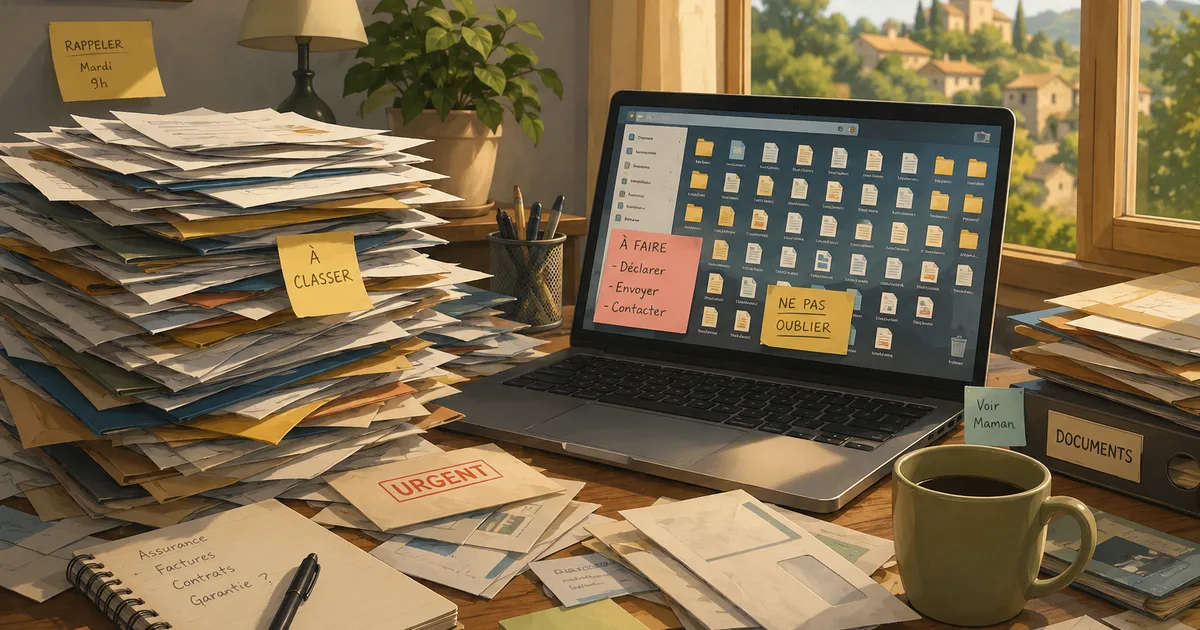
Over the years, paperwork tends to accumulate: insurance documents, bills, contracts, administrative letters, warranties, and documents relating to the car or home.
The problem is usually not keeping them. It is finding the right document when you actually need it.
A few simple habits can prevent you from searching through several drawers, folders, email accounts and digital directories when something needs to be dealt with quickly.
Separate What Is Important From the Rest
Not everything needs to be immediately accessible. An old bill or the manual for an appliance used once a year can be archived. Other documents, however, are regularly needed for everyday procedures.
Examples include insurance policies and contact details, home and vehicle documents, main bills and subscriptions, valid warranties, regularly requested administrative documents and contact details for important organisations.
The aim is not to keep every piece of paperwork in one place, but to create a dedicated space for the things you may need to find quickly.
A Simple Filing System Is Better Than a Complicated One
It can be tempting to create lots of categories, subcategories and separate folders. That works well until you are unsure which of three different places a document belongs in.
A few broad categories are usually enough: home, insurance, vehicle, banking and bills, administration, warranties and important purchases.
The best filing system is one that still makes sense several months after you created it.
Remember the Information That Is No Longer on Paper
Today, a significant part of our paperwork no longer exists in paper form.
A bill may only be available through an online account. A contract may have arrived by email. A warranty may be stored in an account created several years ago.
It can therefore be useful to keep a note explaining where the information can be found. There is no need to print everything.
Make Digital Copies of the Documents That Really Matter
Scanning certain documents provides an additional safeguard and makes them easier to find. There is still no need to digitise everything in the house.
A few clearly named folders such as Administration, Insurance, Home, Vehicle and Important bills are usually enough.
Clear file names are also much more useful than automatically generated ones. home-insurance-2026.pdf will be considerably easier to find two years from now than scan_00482.pdf.
Avoid Digital “Filing” That Is Not Really Filing
Taking a photograph of a document with your phone can be useful in the moment. But when important documents are mixed in with several thousand photographs, it is no longer much of an organised backup.
The same applies to attachments kept only in email. If a document is genuinely worth keeping, it is better to download it and store it somewhere intended for that purpose.
An additional backup also helps prevent a computer failure or lost phone from taking the only available copies with it.
What About Passwords?
Keeping important documents together does not mean writing every password on a sheet of paper and putting it in the same folder.
A password manager is generally a much better option. At the very least, avoid files called passwords.txt, unprotected notes on a phone or scraps of paper left next to the computer.
The aim is to make information easy to find for the right person, not for anyone who happens to come across it.
A Simple Question to Test Your Organisation
There is a useful way to find out whether your system actually works:
If someone you trust needed to find an important document for you tomorrow, would they know where to look?
They do not need access to all your personal information. However, it can be useful for a trusted person simply to know where essential documents are kept or what instructions to follow if you need them to deal with something on your behalf.
Do a Small Clear-Out From Time to Time
There is no need to spend an entire day filing paperwork. Once or twice a year, a few minutes can be enough to remove documents that are no longer useful, replace outdated versions, check warranties, file new digital documents and make sure important backups still exist.