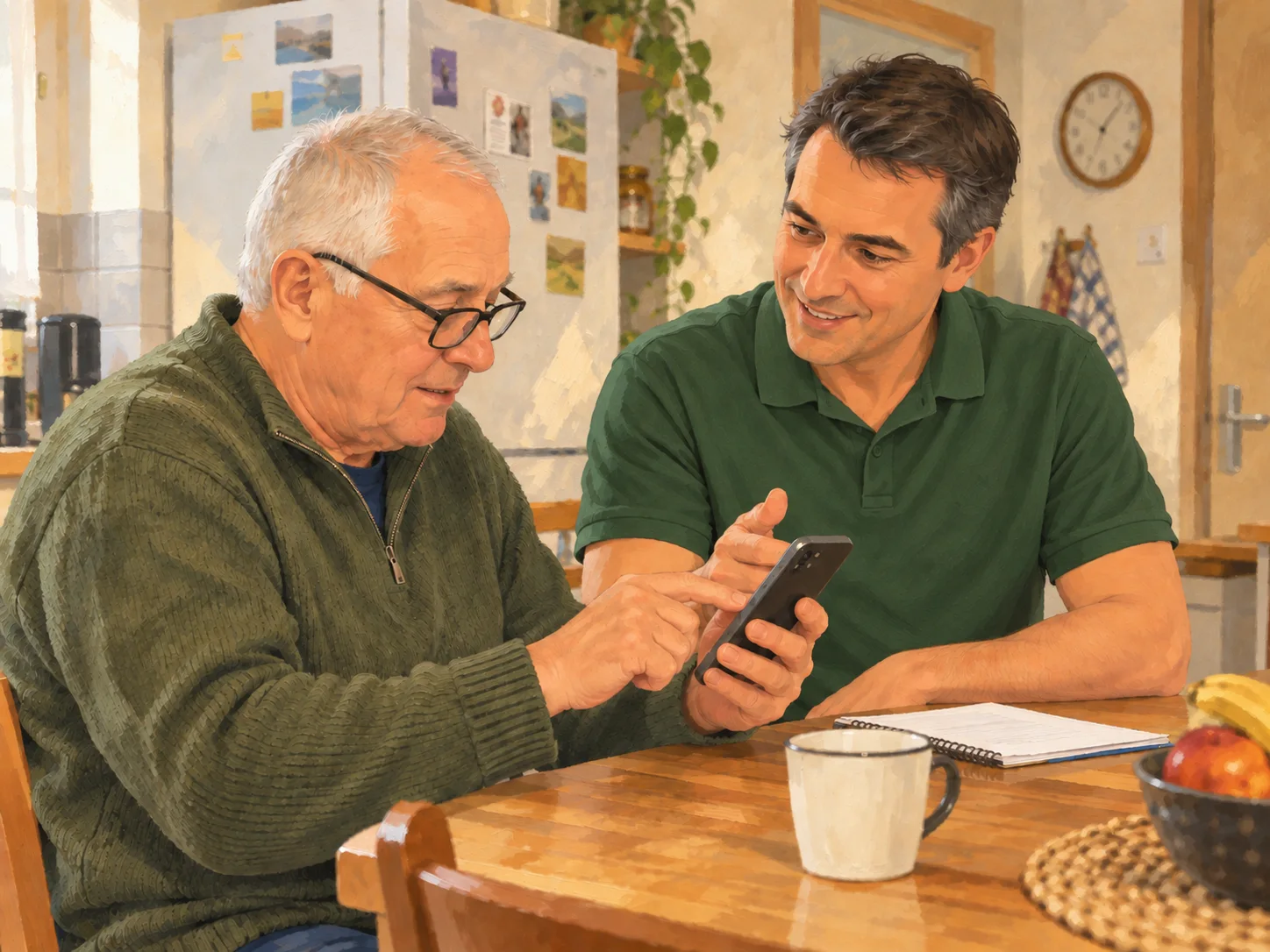
Getting comfortable with your devices
Learn the basics of a smartphone, tablet or computer, understand essential settings and use your device more confidently in everyday life.
DIGITAL ASSISTANCE
Smartphones, tablets, online forms and everyday apps can quickly become frustrating. I provide step-by-step help at home around Saint-Antonin-Noble-Val so you can use digital tools with more confidence and save time in everyday life.

Patient, reassuring guidance in plain language, at your own pace, so you understand what you are doing and become more independent over time.
Learn the basics of a smartphone, tablet or computer, understand essential settings and use your device more confidently in everyday life.

Create an account, complete a form and find your way around online services for administration, tax, healthcare or retirement matters.

Use email, messaging, video calls and photo sharing to communicate more easily with family and friends.

Improve password habits, recognise common scams, protect personal data and set up simple backups for important photos and documents.

The aim is to leave you with clear reference points for using your devices and online services more independently.

A TYPICAL EXAMPLE
I start by asking what you would like to be able to do yourself and what is stopping you today. We work from that practical goal instead of trying to review everything at once.
We then go through the steps together on your own device. I show you where to go, what the main settings mean and what to check before confirming an action, then let you repeat the steps as many times as you need.
If several everyday uses are connected, we can organise them during the same session: finding an account again, putting access details back in order, checking that an app is configured properly or creating a simple way to keep useful reference points.
Before we finish, we go over the essential steps one last time. When helpful, you can write down a few reminders in your own words so you can find your way back without depending on me being there.
I do not simply take over the task for you: I show you how to do it step by step so you can repeat it yourself with confidence afterwards.