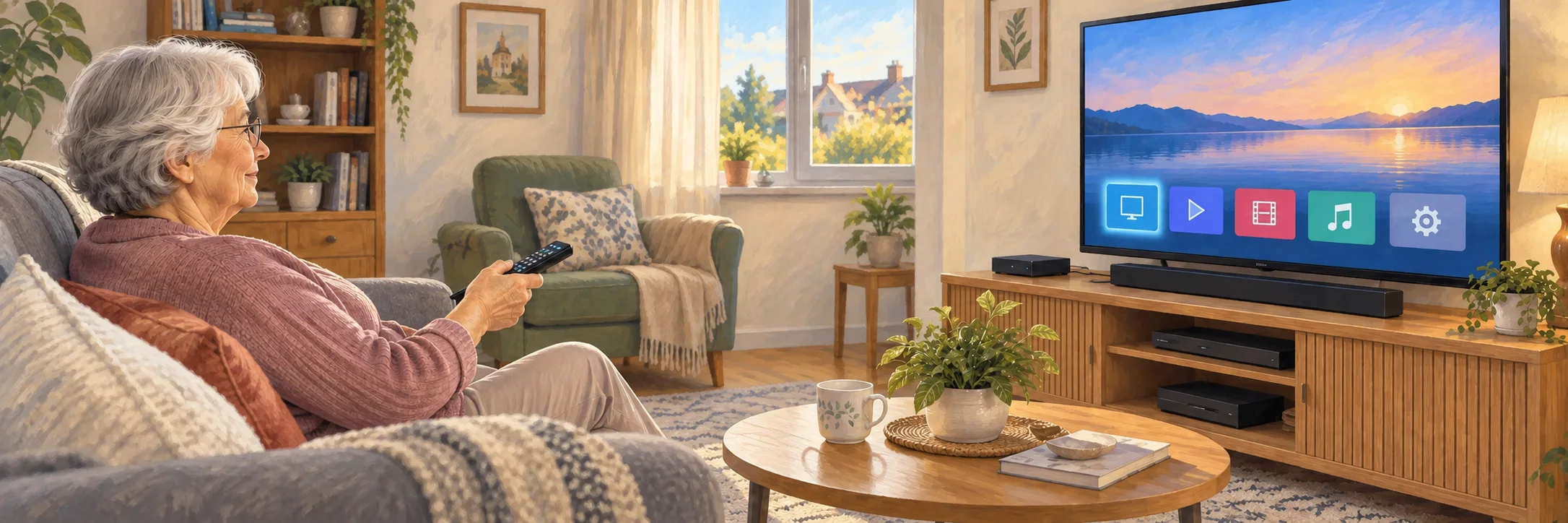
You have just bought a new television
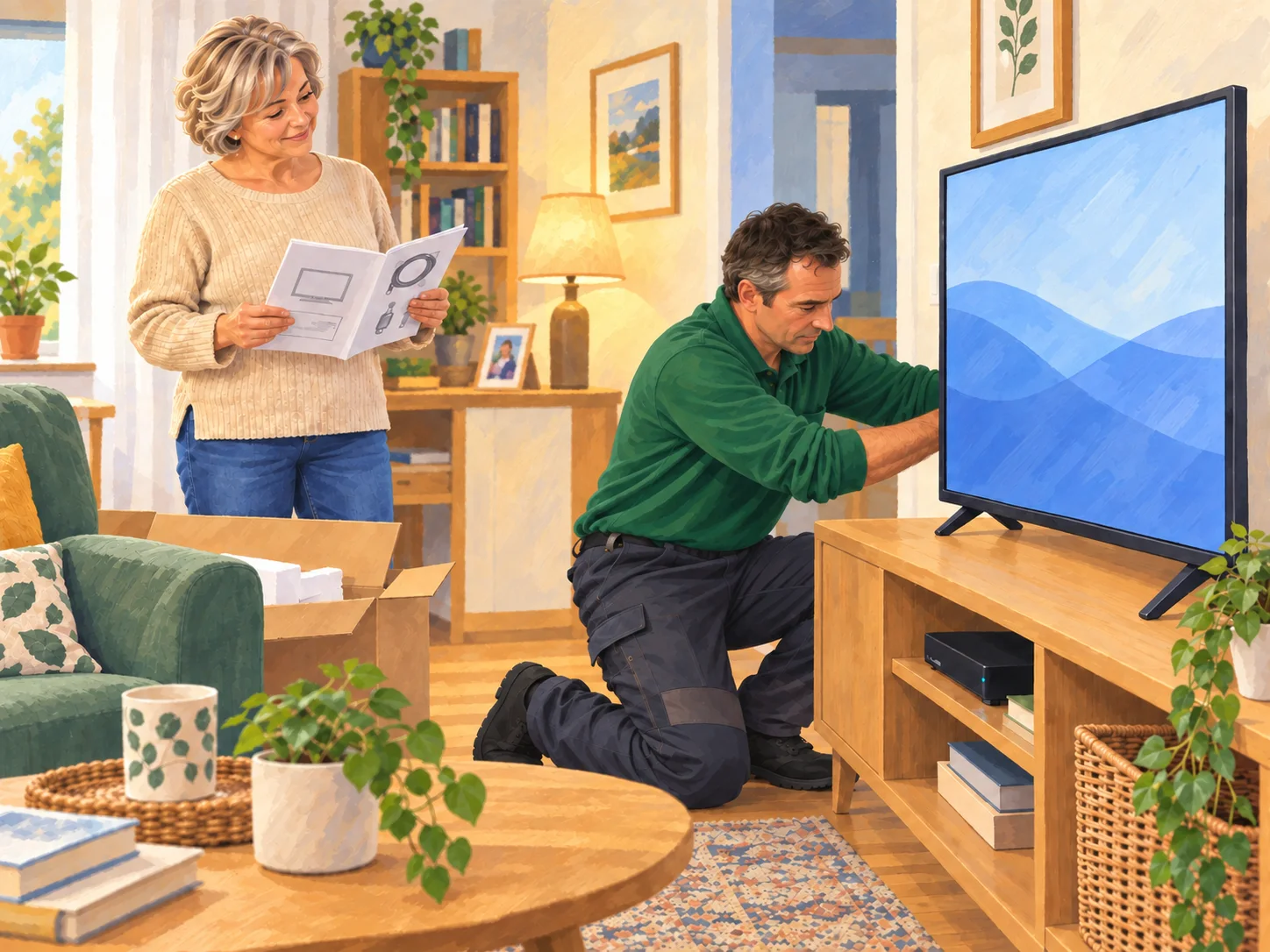
I can help install it, complete the initial settings and check that your equipment is connected correctly.
TV, BOX & MULTIMEDIA
New television, TV box, decoder, streaming device or soundbar? I provide home help around Saint-Antonin-Noble-Val to connect and set up your equipment, then show you how to use it in a simple, practical way.
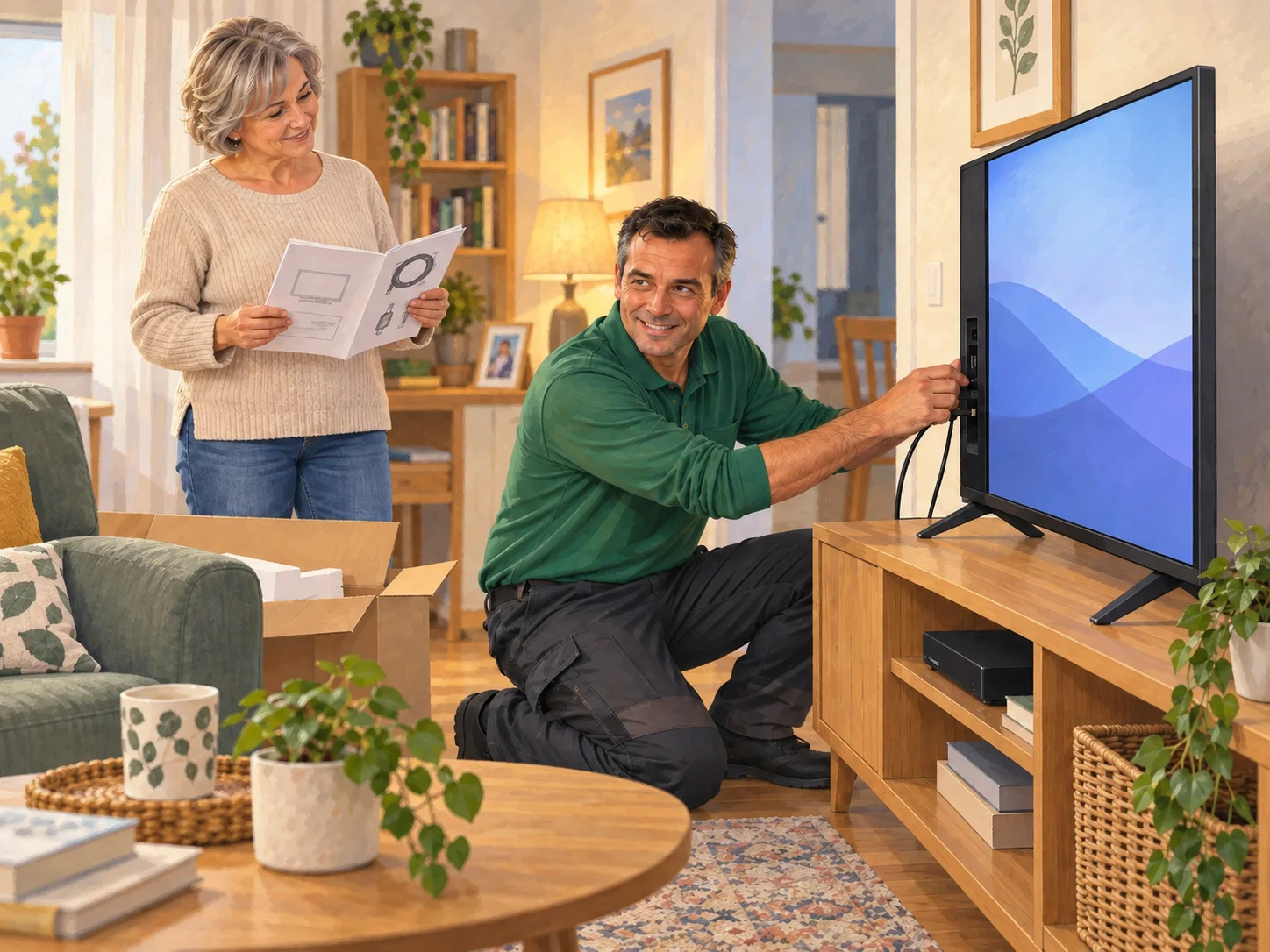
Clear, practical setup so you can easily find your channels, apps, inputs and equipment, without fixed electrical work or specialist installation.
I can help install it, complete the initial settings and check that your equipment is connected correctly.

Inputs, cables, remote control, connection or settings: we check what is getting in the way and put the setup back in order.
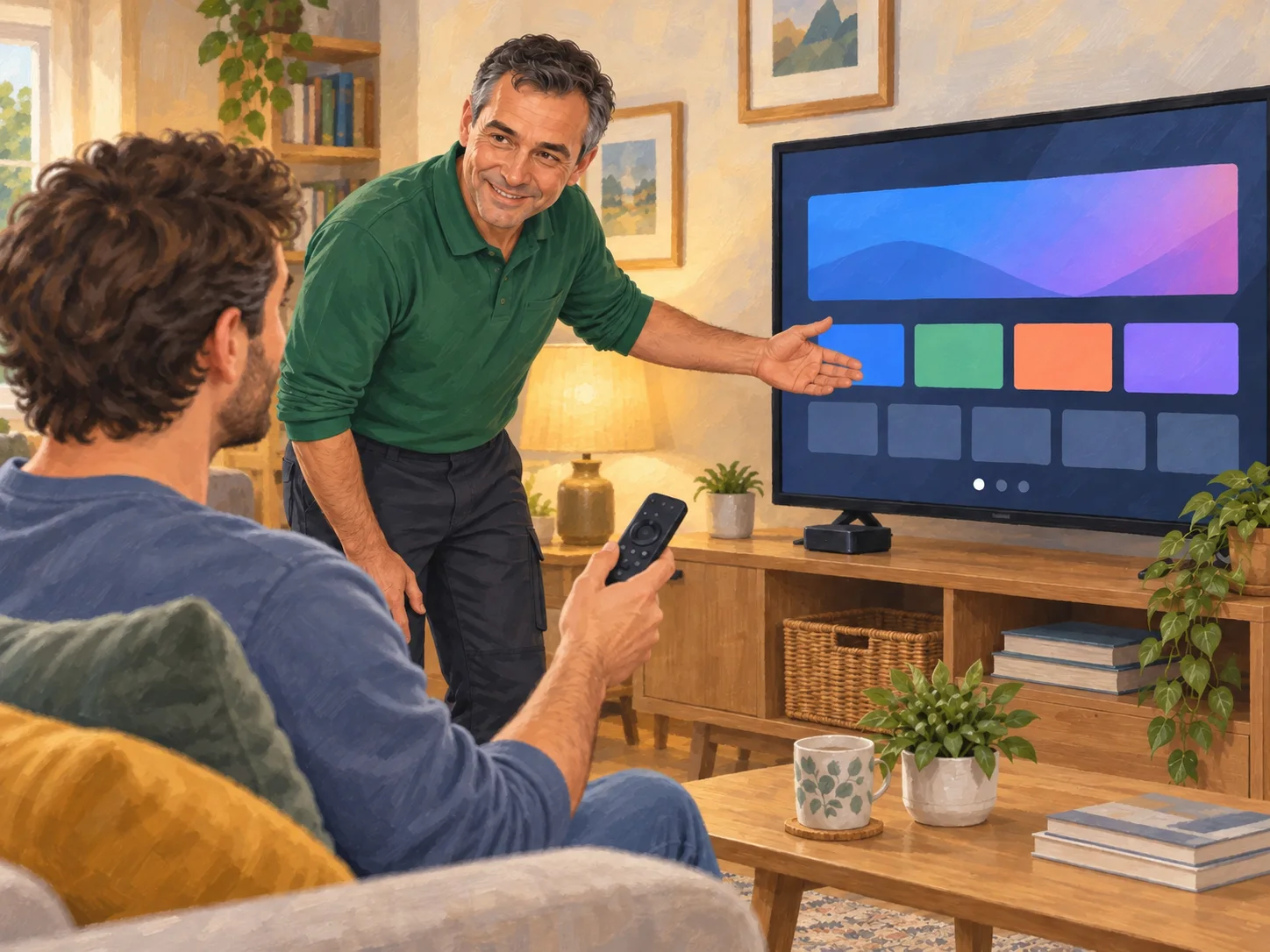
I can configure your device or streaming apps and help you find the services you already use more easily.
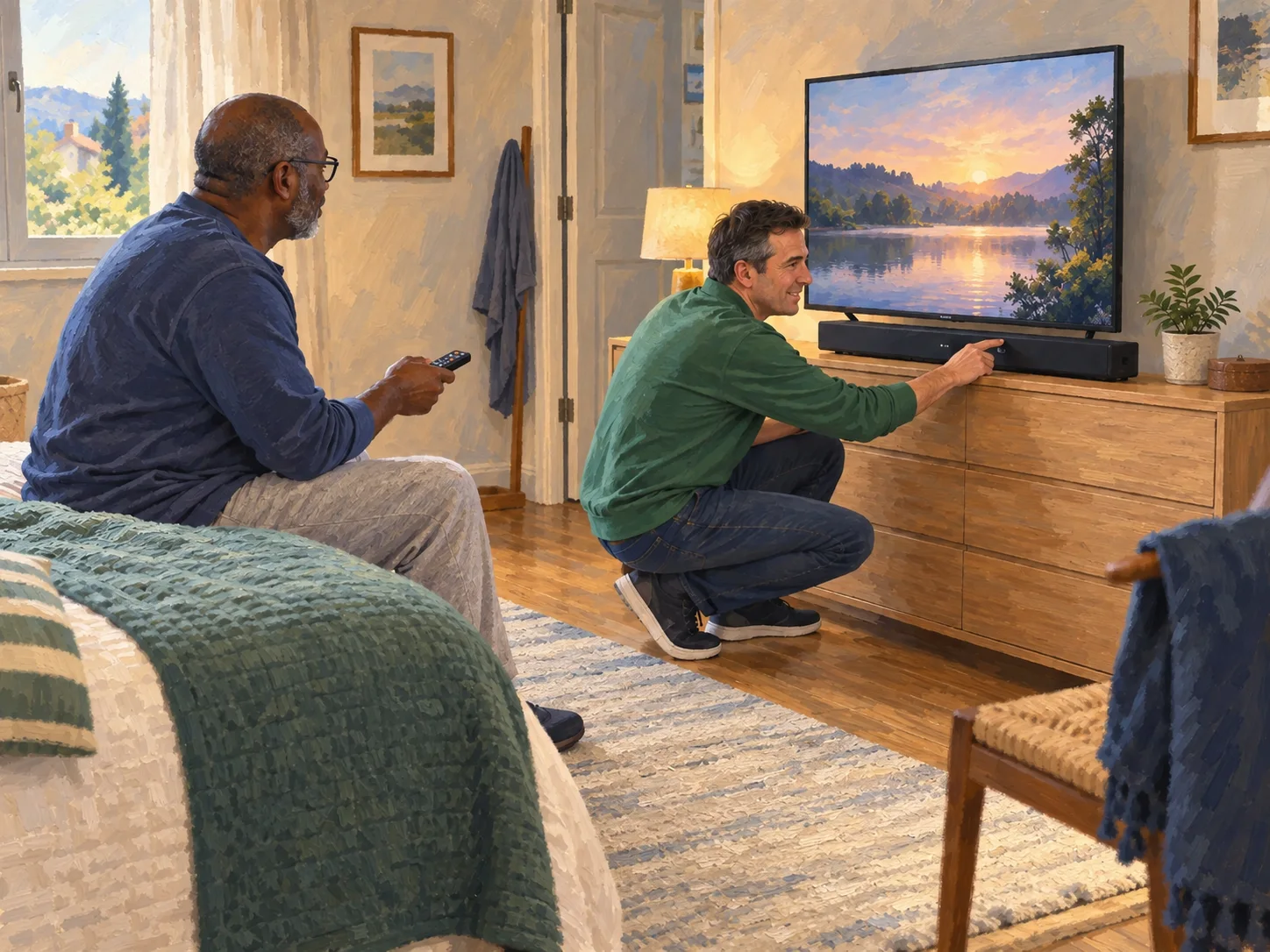
Soundbar, several inputs or several remote controls: I can simplify the settings and show you the controls that are genuinely useful.
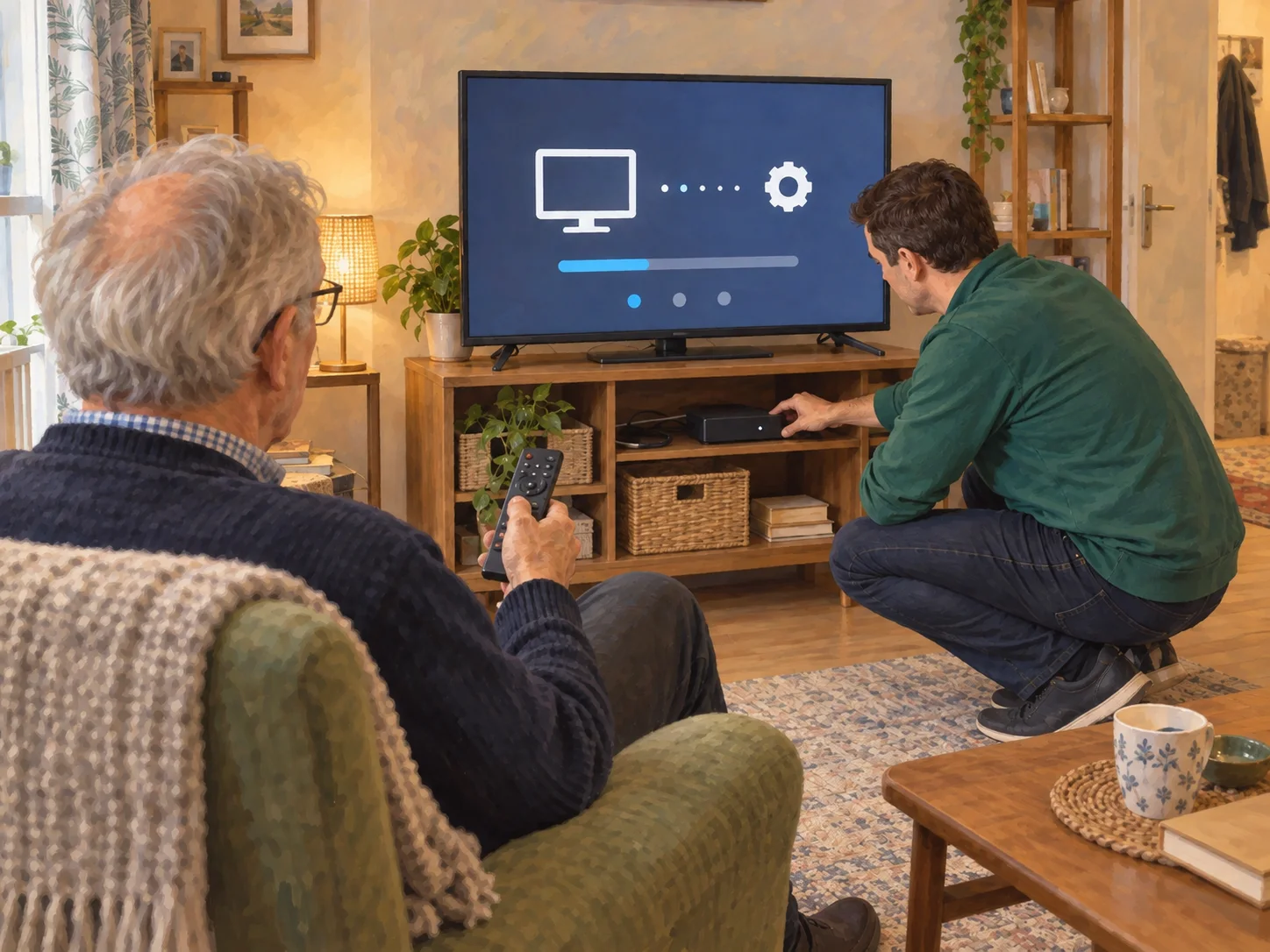
The aim is to leave you with a setup that is easy to understand and pleasant to use every day.
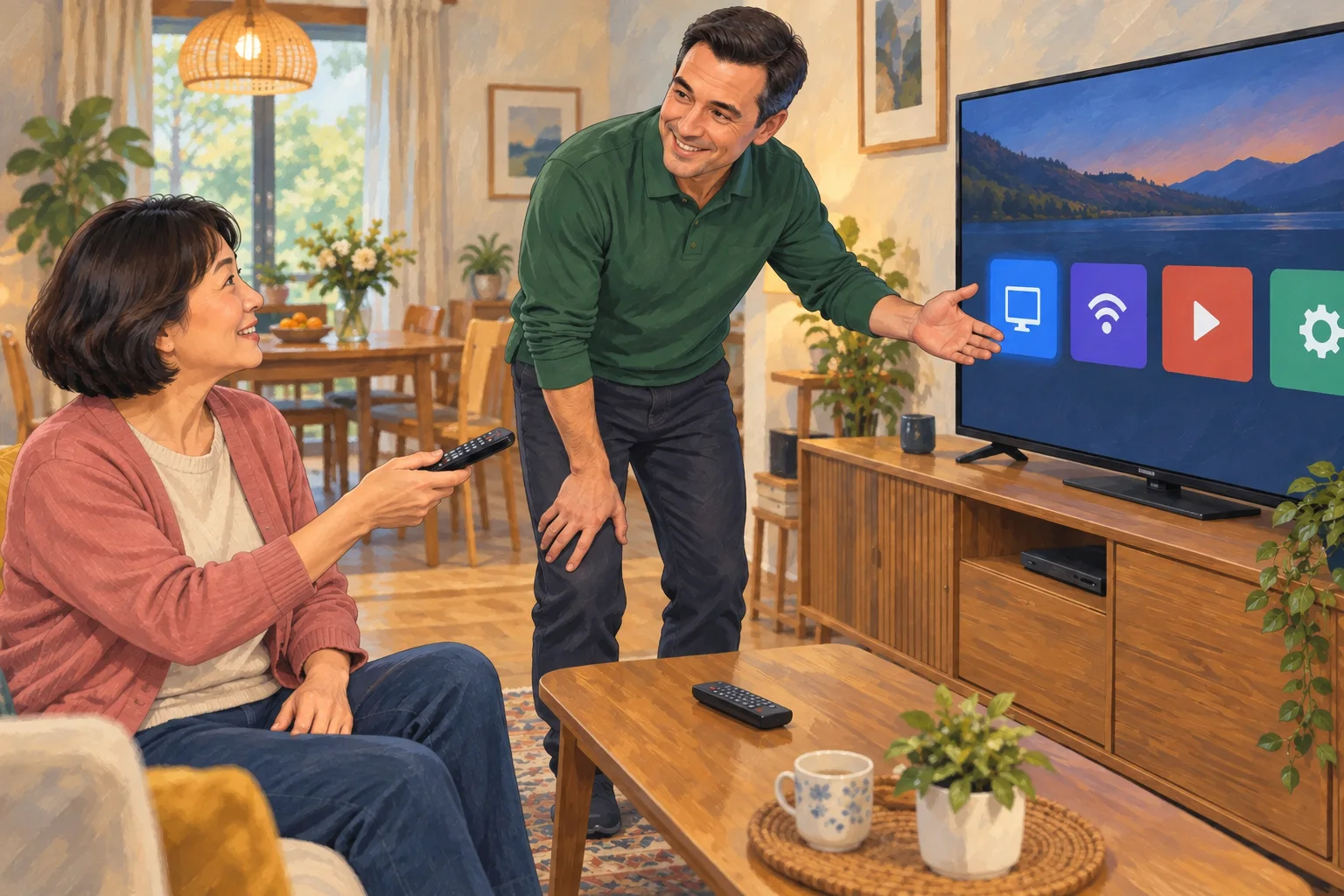
A TYPICAL EXAMPLE
I start by looking with you at the equipment already in place, the available connections and the way you actually use the television day to day. This helps establish what needs to work together before any settings are changed.
I then install or reconnect the different elements progressively and check each input and control as we go. When several remotes, apps or inputs are involved, I focus on making their roles clearer rather than adding unnecessary settings.
Once everything is working, we test the uses that genuinely matter to you: watching your usual channels, finding an app, changing input or adjusting the sound. If several solutions are possible, I favour the one that will remain easiest to use every day.
Before I leave, I show you the few essential controls worth remembering and check that you can find the main functions on your own. The goal is not only for everything to work during setup, but for the whole system to remain understandable afterwards.
Leave you with equipment that is properly connected and controls you understand, without having to work out which input, remote or setting to use every time.